Start with an access inventory: which doors the missing key operates, who still needs entry and which electronic credentials exist separately. A focused rekey plan can change the affected mechanical access while preserving access that should remain independent.
A master-key plan starts with who should enter each space. Create a door-by-role access table before choosing cylinders or cutting keys. A system that fits today's floor plan should also have a clear process for staff changes, lost keys and future expansion.
A commercial entrance combines the lock with a door, frame, closer and sometimes other access equipment. Describe the whole symptom, including whether the door closes and latches. Ask for an assessment that preserves the door's intended operation and required exit function.
A clear handover records the approved doors, work completed, key quantities and who received them. Separate unit access from shared entrances and digital credentials. The goal is an accurate access record that the next manager can understand without guessing.
A useful booking includes your exact location, a callback number, a description of the problem and the authorization information requested for the job. Photos of the hardware or key can improve preparation, but the final assessment may still require an on-site inspection.
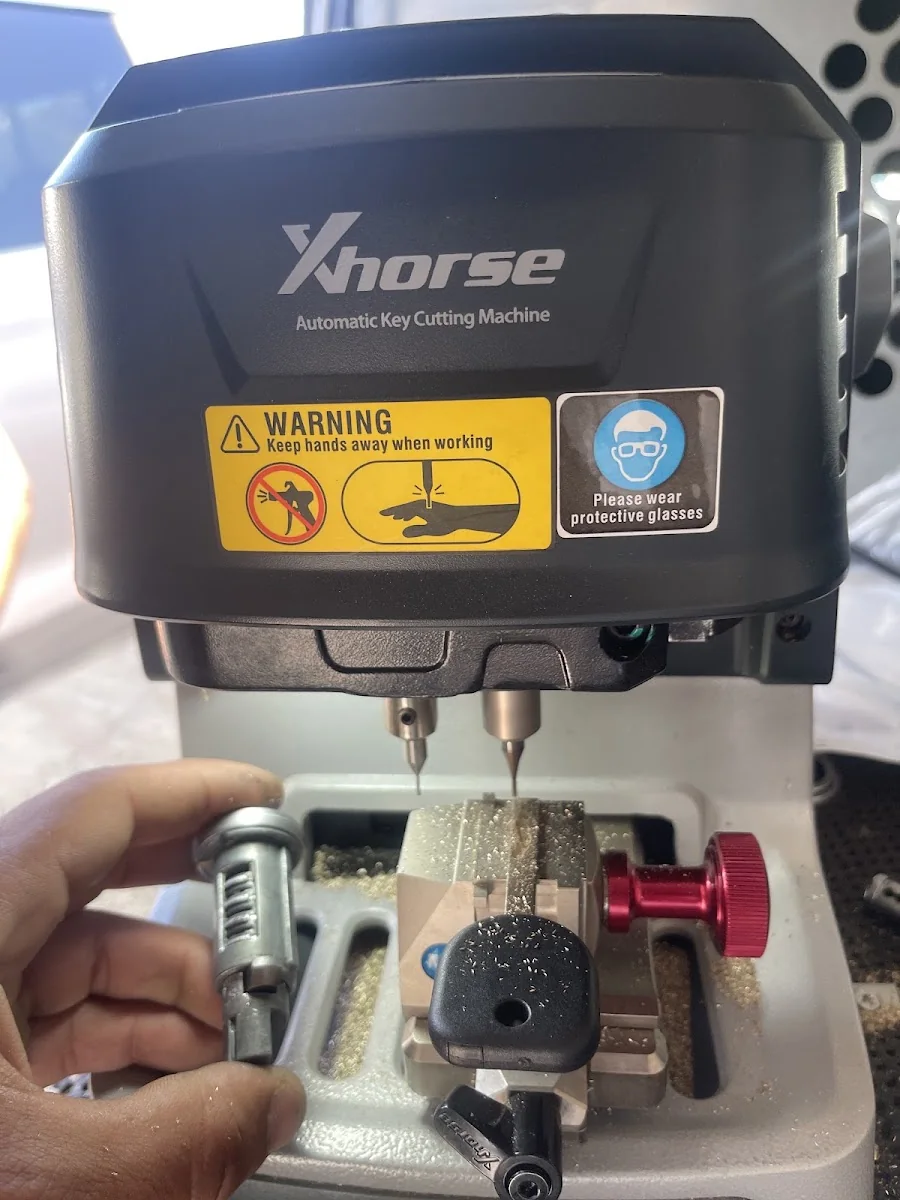
A replacement shell repairs the outer housing only when the existing electronics and other transferred parts remain suitable. A complete replacement fob includes electronics that may need programming. Identify what is actually broken before ordering a housing or a new key.
Tell the locksmith what liquid exposure occurred, when it happened and whether a spare still works. A fob that temporarily works after drying may still have internal damage. Diagnosis should establish whether the housing, battery contacts or electronics need attention.
Some vehicle systems support removing missing keys from electronic authorization, but the method and scope depend on the exact vehicle. Ask what the process disables and which retained keys must be present. Electronic removal does not physically change a mechanical door lock.
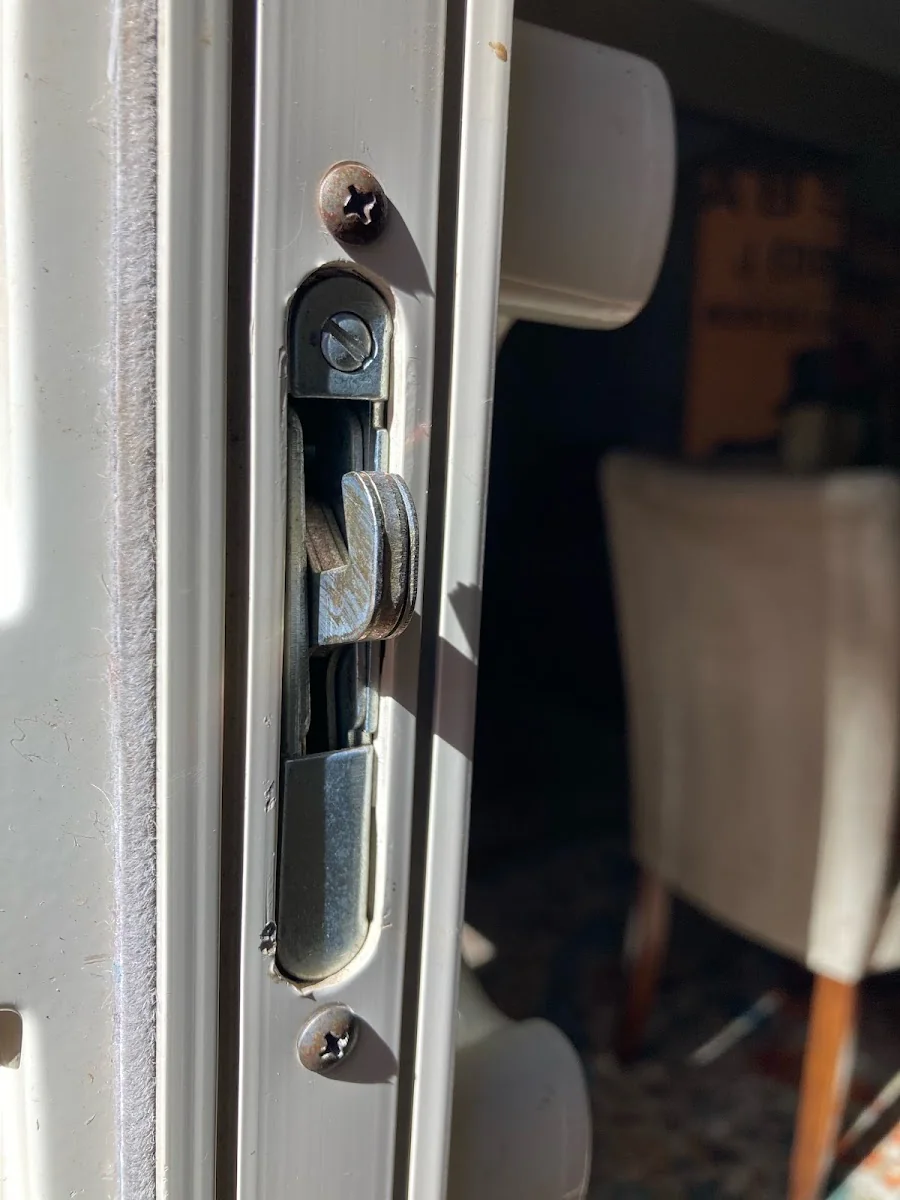
A sliding door that will not lock may have a latch fault, a strike-alignment problem or a door that is not reaching the right position. Send photos of the handle, door edge and frame receiver. Similar-looking replacement handles do not always share the same lock mechanism.
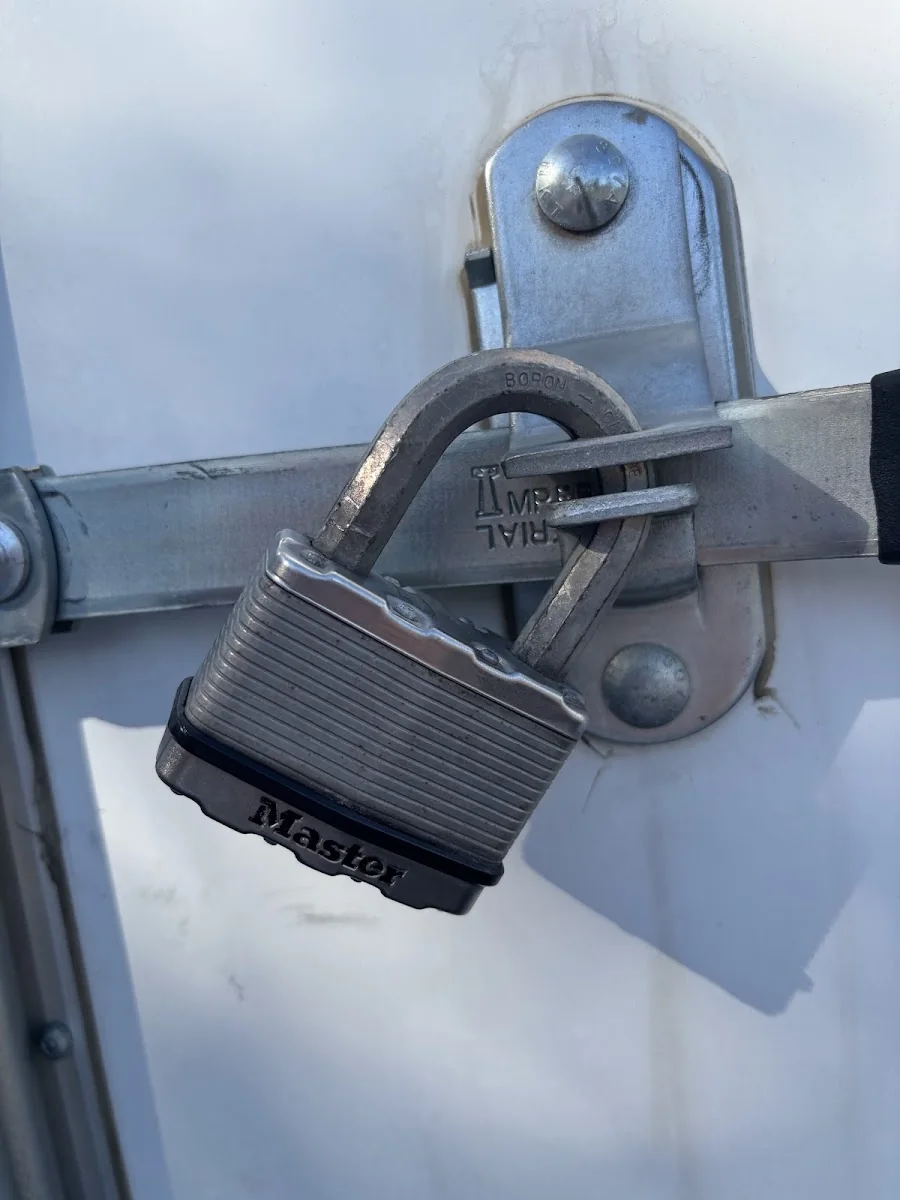
Contact the storage facility and confirm its access and lock-service procedures before booking. A unit number and a padlock photo help describe the job, but the facility's authorization process still applies. Ask how the unit will be secured after the agreed service.
Give your exact location when requesting service, even if your city appears in a coverage list. A service-area page indicates where inquiries are accepted; current technician availability, the job and access conditions determine whether a particular visit can be arranged.
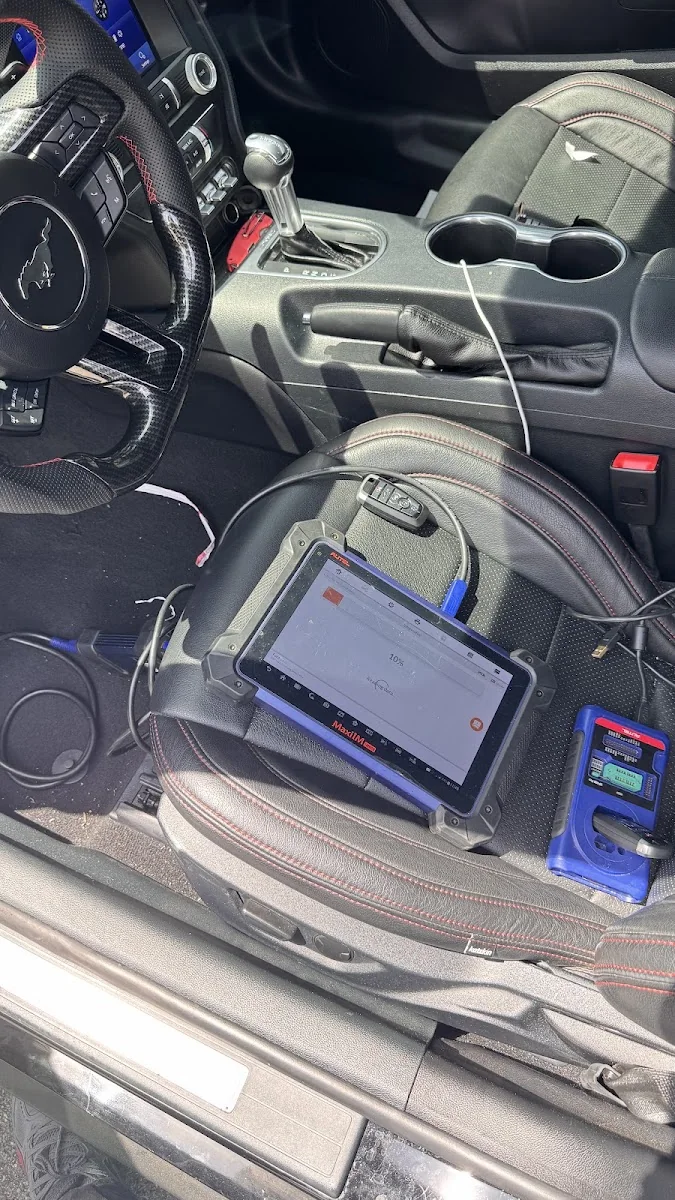
Mechanical door access does not establish electronic starting authorization. Describe whether the engine cranks, what message appears and how a spare behaves. A locksmith needs those details before deciding whether the problem concerns the key, its programming or another vehicle fault.
Removing a paired phone requires the lock Owner account and a nearby Bluetooth connection. Kwikset does not allow removal of the phone currently being used. Identify the old device first so you remove the intended pairing.
Halo Select and earlier Halo locks use different reconnection paths. A changed Wi-Fi password does not automatically mean the lock needs a factory reset. Identify the model, network band and security setting before choosing the appropriate instructions.
A Kwikset factory reset can remove codes, associations and settings, so it should be a deliberate ownership or troubleshooting step. Its effects differ by model. Plan the new setup before erasing an occupied home's existing access.
A SmartCode 955 programming code grants settings access; it is different from an ordinary entry code. Enabling it also changes how the interior programming button behaves. Decide who should administer the lock before sharing that credential.
SmartCode 955 supports permanent entry codes and codes that disappear after one use. Each code contains four to eight digits, but its first four digits must be unique. Changing only a final digit can therefore fail.
Aura and Aura Reach have separate ratings for the outdoor and indoor assemblies. The exterior rating does not apply to both sides. Compare the actual installation conditions with the correct model's published limits before selecting hardware.
On the original Aura Deadbolt, numerical buttons do not illuminate the keypad. Kwikset instructs using the one-touch locking button to wake it. A dark keypad after pressing a number alone does not establish a failed lock.
Kwikset Obsidian provides external terminals for temporary power from a 9V battery. That power does not replace authentication: a valid user code is still required. This method addresses depleted internal batteries, not every possible lock fault.
Kwikset recommends a broader touch to wake Obsidian: several fingers, a palm or the back of a hand. If the screen remains unresponsive, check the battery installation and connecting cable rather than immediately assuming programming was lost.
For certain SmartCode keypad deadbolts and levers that exhaust batteries within a week, Kwikset gives a keypad-beep diagnostic. Fresh batteries and switch 3 in the ON position establish the test conditions; each button should then be checked individually.
On the Kwikset lever arrangement described by its support page, the retaining screw can remain in the shaft when the handle comes off. Inspect the shaft before ordering a replacement screw or assuming the complete lock must be replaced.
A SmartCode 917 may fit below many Kwikset SmartCode deadbolts when the existing door has the specified hole spacing. Product names alone do not prove the two assemblies will clear each other. Check the door and dimension guide together.