Home locks
SmartCode battery drain: why testing every keypad button matters
For certain SmartCode keypad deadbolts and levers that exhaust batteries within a week, Kwikset gives a keypad-beep diagnostic. Fresh batteries and switch 3 in the ON position establish the test conditions; each button should then be checked individually.
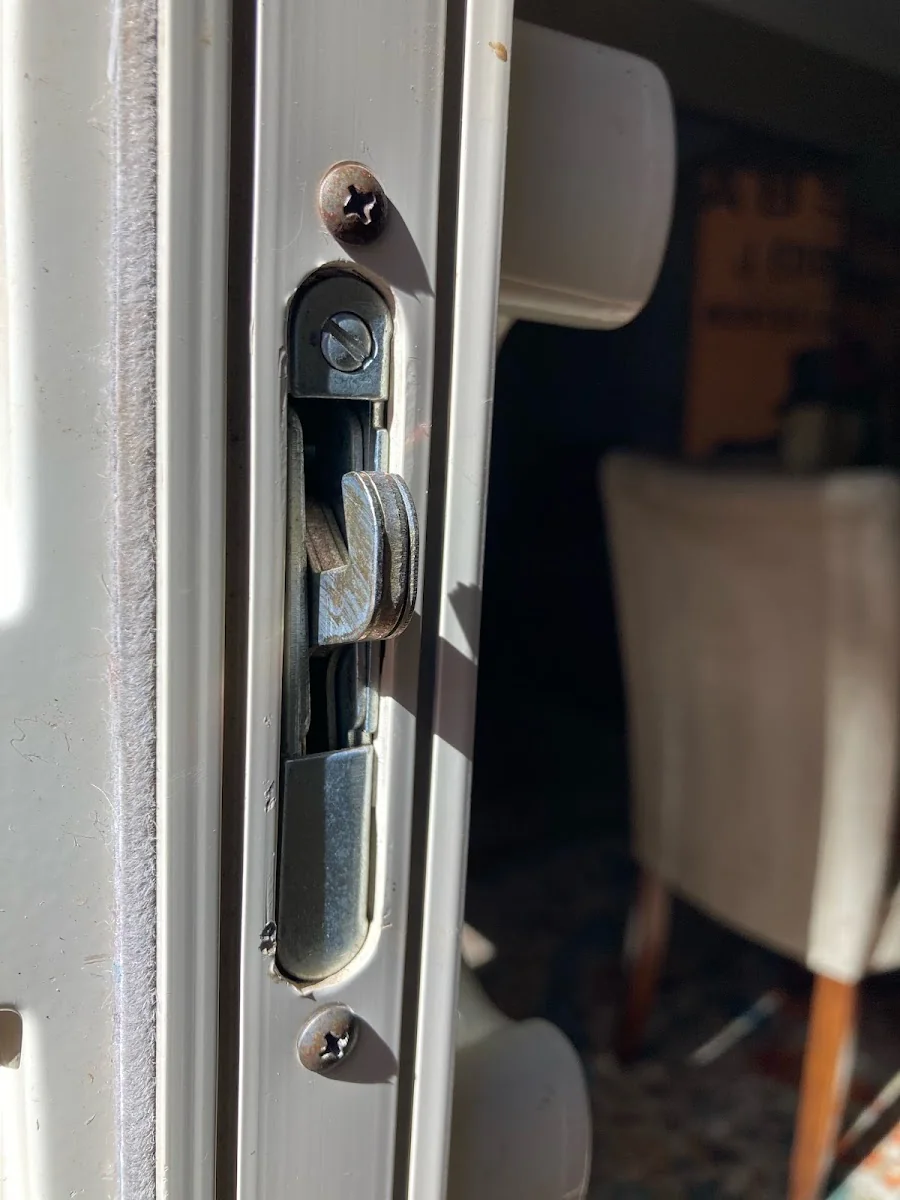
Prepare the specific model
Confirm your hardware matches the linked keypad deadbolt or lever guidance and has the numbered switch described. This is a product-specific check, so do not apply the switch instructions to a different smart lock merely because its batteries drain quickly.
Compare buttons individually
With fresh batteries installed and switch 3 enabled, press each button separately and listen. Record which buttons produce a beep and which remain silent. A selective failure is more precise information than a general complaint about battery life.
Know what the result establishes
Kwikset directs users to technical support when one or more buttons fail the beep check. If all buttons respond, the test does not establish the cause of the drain or guarantee that replacing a keypad would help.
Set up the manufacturer's button comparison
Confirm that your keypad deadbolt or lever is covered by the cited SmartCode guidance. Fit the specified fresh batteries, put switch 3 in the documented ON test position and press each button individually. Record which buttons respond audibly and which do not. A general impression that the keypad sometimes works is less useful than a repeatable result for a particular button.
Use the result to choose the next support step
If a button is silent under the stated conditions, report that observation to Kwikset as its guidance directs. If every button responds, do not invent a passed electrical-health certificate: this particular symptom was simply not observed. Continue the relevant troubleshooting for the model, including any installation concern already noted. Keep the battery-change dates so later advice can be compared with the original pattern.
Before you call
- Confirm the exact SmartCode model and switch layout.
- Test every button with fresh batteries.
- Report silent buttons to technical support.
Follow-up questions
Does a silent button prove every SmartCode model needs replacement?
No. The test is model-specific and has stated conditions. Report the finding to the manufacturer for the appropriate next step.
Why does switch 3 matter during the test?
The support procedure establishes audible button feedback before comparison. A silent keypad without the stated setup is not an equivalent test result.
Official reference
Official product guidance; applies to the named models and described conditions.
Published by AID Locksmith, owned by Allan, serving Greater Sacramento. General service checklists are editorial guidance; product instructions apply to the named model.