Home locks
Smart lock buying checklist for an existing door
Choose a smart lock after checking the door, current hardware and the features you will actually use. Door preparation, bolt alignment, power requirements, account setup and backup access matter as much as the app or finish shown on the box.
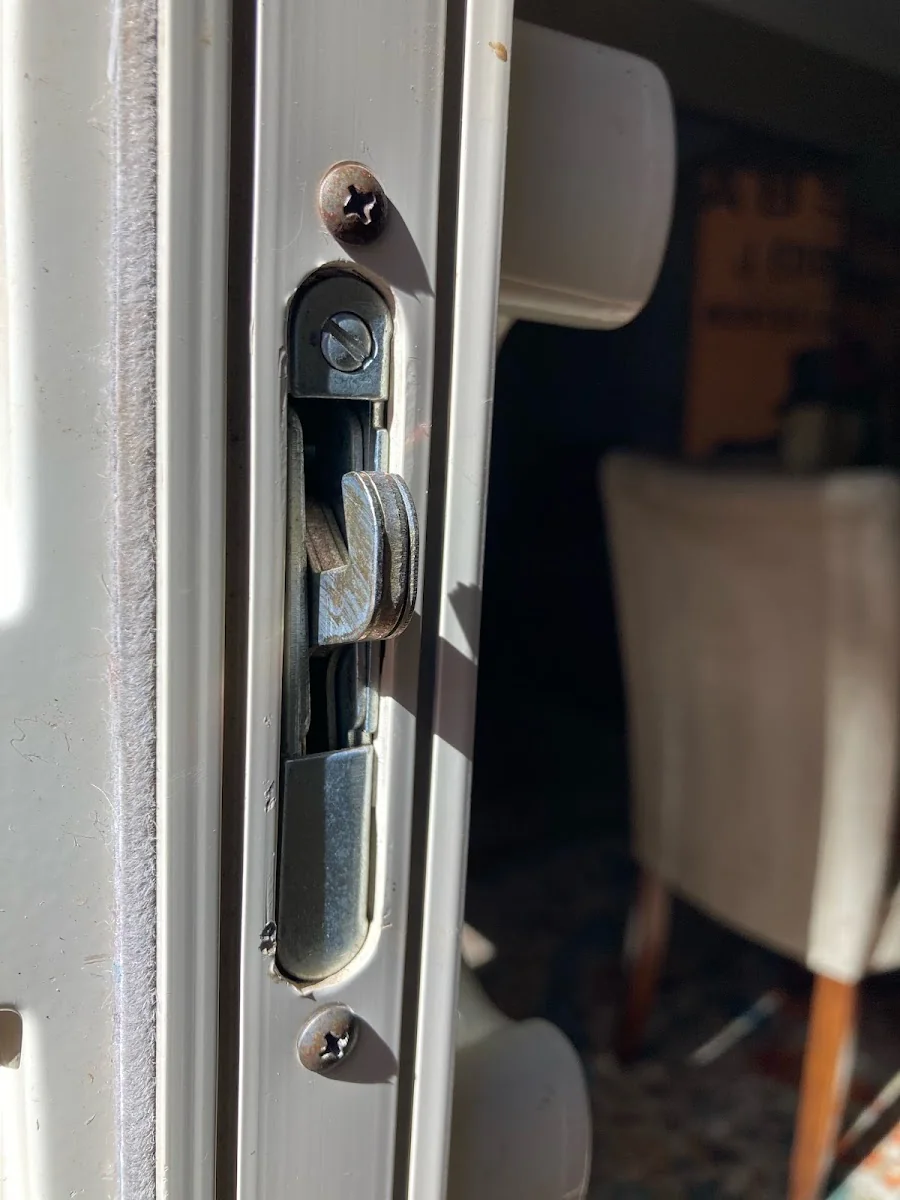
Check physical compatibility
Photograph both faces and the edge of the door. Record the existing lock's brand and identify whether the door uses a standard separate deadbolt or another locking system. Check the manufacturer's fit guide before assuming the new product will install without modifications.
Decide which access features matter
A keypad, remote app access and a nearby-phone feature serve different purposes. Some functions may depend on additional hardware, connectivity or accounts. Review the exact product documentation and avoid buying based on a feature name alone.
Plan the failure and handover cases
Know what happens when batteries are low, the network is unavailable or a household member loses a phone. Keep the approved backup method accessible to authorized users. Before the installer leaves, confirm who owns the account and how temporary access can be removed.
Compare installation needs with daily access needs
Measure using the prospective lock's dimension guide and photograph both sides of the existing door. Decide whether users need permanent codes, temporary access, remote control or only local entry. Then check what each feature requires: an app, an account, a compatible network or another device. A feature on the product box may involve a different setup from simply installing the deadbolt.
Plan who owns and maintains the installation
Decide who controls the primary account, who receives low-battery alerts and who keeps the backup key or other documented emergency access. Save the exact model and instructions with household records. For a rental or shared property, agree how access is handed over later. App permissions, code schedules and physical keys should each have an identified person responsible for keeping them current.
Before you call
- Check door fit and existing alignment
- List must-have access features
- Read battery and backup-entry instructions
- Keep account ownership with the authorized household
Follow-up questions
Does every smart lock need Wi-Fi?
No. Connectivity and remote-control requirements vary by product. Compare the exact model's local operation and off-site features before choosing hardware.
Can I install a smart lock on a sticking door?
Have the door assessed first. A powered mechanism still needs the bolt and strike to move as the manufacturer intends.
Official reference
Schlage: product support and FAQs ↗
Official product support. Identify your exact hardware before following installation or troubleshooting instructions.
Published by AID Locksmith, owned by Allan, serving Greater Sacramento. General service checklists are editorial guidance; product instructions apply to the named model.